Core and Layer 3 Switch Configuration
A Layer 3 core switch is configured by enabling routed interfaces, creating VLANs and SVIs, assigning IP addresses, and enabling IP routing to support inter-VLAN and external routing.
Step 1: Configure Management Interface
Begin by configuring a dedicated management interface for switch administration. Assign an IP address in a management VLAN that allows connectivity to network administrators and monitoring systems. Ensure this interface is separate from data or voice VLANs to avoid conflicts .
Step 2: Create VLANs
Define all required VLANs for your network segments. For example, separate VLANs for data, voice, and management traffic. On Cisco switches, use the vlan <ID> command to create VLANs and assign names for clarity .
Step 3: Configure Layer 3 Interfaces (SVIs)
For each VLAN, create a Switched Virtual Interface (SVI) to enable inter-VLAN routing. Assign an IP address to each SVI, which will act as the default gateway for hosts in that VLAN. Example:
interface vlan 10 ip address 192.168.10.1 255.255.255.0 no shutdown
Repeat for all VLANs . Ensure each SVI is in a unique subnet.
Step 4: Enable IP Routing
Enable routing on the switch to allow traffic between VLANs:
ip routing
This command activates Layer 3 forwarding on the switch .
Step 5: Configure Routed Ports
Convert uplink or inter-switch ports to routed ports by disabling the switchport feature. Routed ports are used for connections to other Layer 3 devices or upstream routers:
interface gigabitEthernet 1/1 no switchport ip address 10.10.10.1 255.255.255.0 no shutdown
This allows the core switch to route traffic directly without Layer 2 switching .
Step 6: Configure Port Channels (Optional)
For redundancy and higher bandwidth, create Layer 3 port channels by aggregating multiple physical interfaces. Assign an IP address to the port channel interface:
interface port-channel 1 no switchport ip address 10.10.20.1 255.255.255.0
Ensure all member interfaces are added to the port channel and are configured as routed ports .
Step 7: Configure Default Routes and Routing Protocols
Set a default route to the upstream router or firewall:
ip route 0.0.0.0 0.0.0.0 10.10.10.254
For larger networks, configure dynamic routing protocols such as OSPF or EIGRP to advertise VLAN subnets to other Layer 3 devices .
Step 8: Configure Access Ports
Assign access ports to the appropriate VLANs for end devices:
interface gigabitEthernet 1/10 switchport mode access switchport access vlan 10
For trunk ports connecting to other switches, configure:
interface gigabitEthernet 1/2 switchport mode trunk switchport trunk allowed vlan 10,20,30
This ensures VLAN traffic is properly carried across the network .
Step 9: Verification
Verify configuration using commands such as:
show ip routeshow ip interface briefping <host in another VLAN>
Ensure SVIs are up, routing is enabled, and inter-VLAN connectivity is functional .
Best Practices
- Keep management, data, and voice VLANs separate.
- Use port channels for uplinks to improve redundancy.
- Assign unique subnets to each VLAN.
- Enable routing only on the core or distribution layer to maintain hierarchical design.
- Monitor interface counters and logs for performance and troubleshooting . This configuration provides a scalable, high-performance Layer 3 core switch setup suitable for enterprise networks, supporting inter-VLAN routing, routed uplinks, and redundancy.
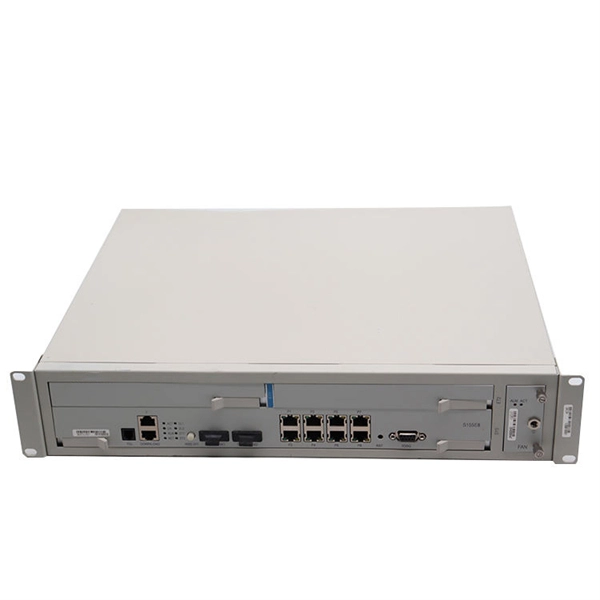 Information
 How to Add Layer 3 Switch in GNS3 | A Practical Guide!
Learn how to add and configure Layer 3 Switch (L3) to the GNS3 emulator seamlessly. Follow our step-by-step
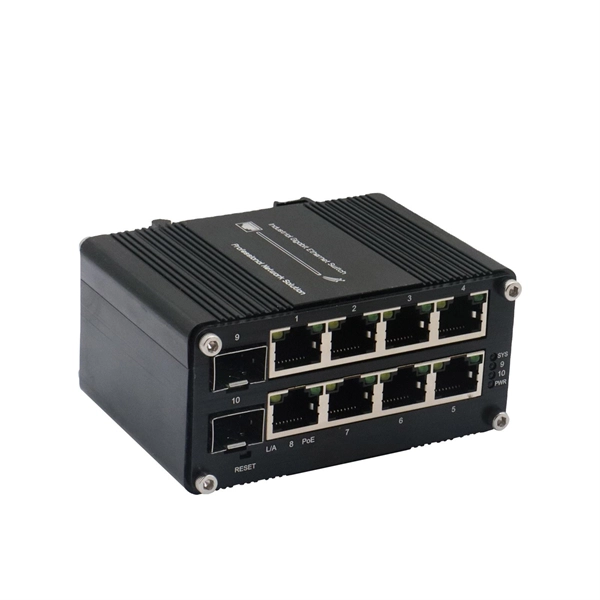 Information
 Three-Tier Network Architecture Lab: Building Enterprise-Grade
The three-tier (or three-layer) hierarchical model is a Cisco-advocated network design that divides an enterprise LAN
 Information
 Chapter: Configuring Layer 3 Interfaces
Layer 3, the network layer, is primarily responsible for the routing of data in packets across logical internetwork paths.
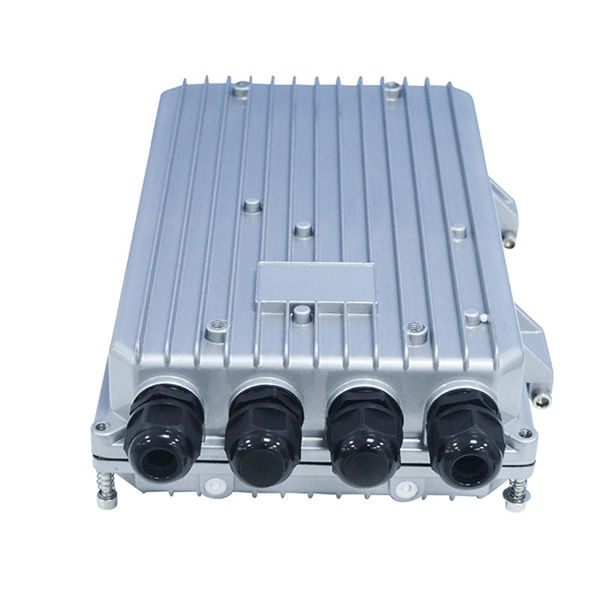 Information
 Core, Distribution, and Access Layer Explained with Examples
Small business implementations: Collapsed core Small to medium businesses don''t need the same scale, but they can
 Information
 Access, Distribution, and Core Layers Explained
This tutorial provides an overview of the access, distribution, and core layers and explains two-tier and three-tier
 Information
 Basic & Advanced Catalyst Layer 3 Switch Configuration: Creating
This article covers basic and advanced configuration of Cisco Catalyst Layer-3 switches such as the Cisco Catalyst 3560G, 3560E,
 Information
 Layer 3 Switch Routing – Concepts, Configuration, and Best Practices
What Is a Layer 3 Switch? A Layer 3 switch is a high-performance network device that combines the port density and wire-speed
 Information
 Cisco Layer 3 Switch InterVLAN Routing Configuration
A simple approach in understanding how to configure Cisco Layer 3 switch interVLAN routing to enable routing capabilities among
 Information
 Cisco Layer 3 Switch InterVLAN Routing Configuration
Below is a diagram that we can use as a reference in understanding how to configure Inter-VLAN routing and test inter-switch
 Information
 Understanding the Core Switch: Key Differences and Uses
Explore the core switch''s role as the backbone of your network. Discover key differences,
 Information
 Cisco Switch Layer2 Layer3 Design and Configuration
One simple and popular switch design scenario will be shown in the following tutorial. This scenario will fit most SMB networks (or
 Information
 Catalyst 2948G-L3 Sample Configurations
This document provides three sample configurations for the Catalyst 2948G-L3. The
 Information
 What is Layer 3 Switch and How Does it Works?
An introduction to Layer 3 switch and how it works within the network to further understand its benefits and capabilities.
 Information
 MS Layer 3 Switching and Routing
Layer 3 routing capabilities are available on most Cisco Meraki switches. This allows the switches to route traffic
 Information
 Core Switch vs. Distribution Switch vs. Access Switch
The access layer consists of layer 3 switches, which take routed and switched data packets from the distribution switches and then
 Information
 Layer 3 Switch Example
This article outlines a basic example of how layer 3 routing functionality on MS series switches could be implemented. Before
 Information
 Layer 2 vs Layer 3 Switch: What''s the Difference? | Auvik
A network switch is a fundamental piece of any network, so it''s critical that you as an IT professional understand the
 Information
 InterVLAN routing using Layer 3 switch | NetworkAcademy.IO
InterVLAN routing using Layer 3 switch In this lesson, we will learn to configure a multilayer switch (also called Layer 3 switch) to
 Information
 Two-tier and three-tier switch architectures
1) Core switches Core switches represent the heart of the network and are the top layer of a three-tier network. With its high
 Information
 Configuring Layer 3 Interfaces
All Ethernet ports are switched interfaces by default. You can change this default behavior with the CLI setup script or through the
 Information
 Example for Configuring a Layer 3 Switch to Work with a Router for
Layer 3 switches provide the routing function, which indicates a network-layer function in the OSI model. Layer 3 switches can work
 Information
 Fundamentals of Operations on a Layer 3 Switch
Now, all the standard configurations, of normal interface on routers, are applicable to these non-switching interfaces The first
 Information
 Inter-VLAN Routing using Layer 3 Switches (4.3)
Inter-VLAN routing using a Layer 3 switch is simpler to configure than the router-on-a-stick method. After the configuration is
 Information
 Configuring Layer 3 Interfaces
Information About Layer 3 Interfaces Layer 3 interfaces forward packets to another device using static or dynamic routing protocols.
 Information
 Introduction to Core Switch Configuration
A switch that functions as part of a router and operates at the third layer of the OSI network standard model, the network layer. The
 Information
 Network Design and when to use layer 3 on switches
So I have a network of about 150 devices that I am looking at optimizing. Current setup: Only one VLAN, although I
 Information
 Access vs. Distribution vs. Core Switch Comparison Guide
Distribution Layer Switches: Positioned between the access and core layers, distribution switches aggregate traffic from multiple
 Information
 Layer-Three Switching and Forwarding
This page contains information about Layer-Three Switching and Forwarding technology.
Information Mastering the Core: A Practical Guide to Layer 3 Switch Configuration
In this post, we''ll explore how to configure a Layer 3 switch to handle Inter-VLAN routing, turning your flat network into
 Information
 layer 3 connection between core and distribution switch
If the port is acting as a routed port, do both ports on the each switch needs to be on the same subnet? If I have