Server rack cannot connect to network
If a server rack cannot connect to the network, systematically check physical connections, network configuration, hardware status, and monitoring tools to identify and resolve the issue.
Step 1: Check Physical Connections
Ensure all network cables are properly connected and not damaged. Verify that the server's network interface cards (NICs) are securely seated and that the switch ports are active. For fiber-based NICs, confirm that the correct SFP modules or DAC cables are used and compatible with the server and switch ports . Proper cable management and labeling can prevent accidental disconnections or tangling .
Step 2: Verify Network Configuration
Check the server's IP address, subnet mask, and default gateway to ensure they match the network settings. Avoid IP conflicts by reserving static IPs outside the DHCP pool . Confirm that DNS settings are correct and that the server can resolve domain names using tools like nslookup or dig . Misconfigured gateways or subnet mismatches can block network access.
Step 3: Inspect Hardware and NIC Status
Use commands like ethtool or ip on Linux servers to check NIC link status. Look for indicators such as Link detected: no or <NO-CARRIER> which suggest a physical or configuration problem . On servers with multiple NICs, verify that bonding or teaming configurations are functioning correctly to ensure redundancy and performance .
Step 4: Check Firewalls and Security Rules
Review firewall rules and port configurations to ensure legitimate traffic is not blocked. Overly strict security rules or misconfigured port forwarding can prevent network connectivity . Test connectivity using ping and traceroute to identify where packets are being dropped.
Step 5: Use Network Monitoring and Diagnostic Tools
Deploy monitoring tools like Paessler PRTG, Nagios XI, or ManageEngine OpManager to track server availability, latency, and packet loss . Tools like Wireshark or Nmap can provide deeper analysis of network traffic and help identify bottlenecks or misconfigurations . Regular monitoring helps detect issues before they cause downtime.
Step 6: Consider Environmental Factors
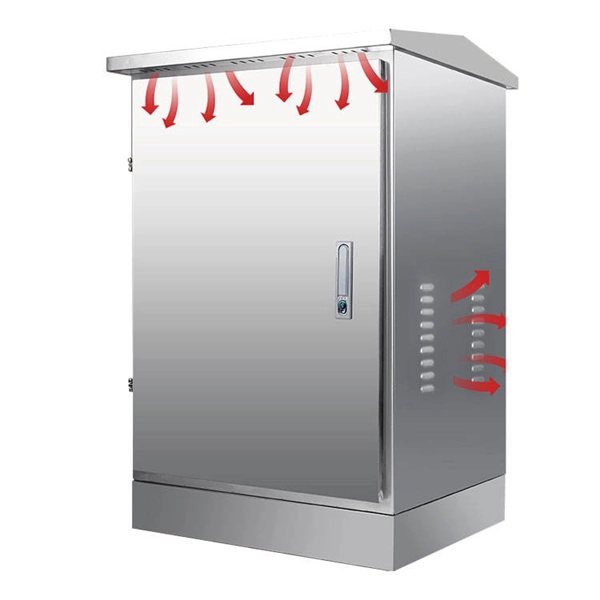
Ensure the server rack is installed in a suitable location, free from moisture, excessive heat, or nearby machinery that could interfere with network equipment . Environmental issues can damage hardware and disrupt connectivity.
Step 7: Escalate if Necessary
If the above steps do not resolve the issue, consult server logs for errors, contact your network administrator, or reach out to the hardware vendor for support. Persistent connectivity problems may indicate faulty NICs, switches, or other hardware failures . By following these steps, you can systematically identify and resolve network connectivity issues in a server rack, minimizing downtime and ensuring stable network performance.
 Information
 Fix Ethernet connection problems in Windows | Microsoft Support
If you''re using an Ethernet connection and can''t connect to the internet, there are a few things you can try to try to fix the problem
 Information
 PowerEdge: Service and Troubleshoot Rack and Tower Servers
Information about servicing and troubleshooting issues in your Dell PowerEdge Rack and Tower servers'' hardware and
 Information
 How to Rack a Server: Step-by-Step Guide & Best Practices
Learn how to rack a server with this detailed step-by-step guide. Includes setup tips, cable management, cooling, and
 Information
 How To Cable A Server Rack
Learn how to properly cable a server rack with this comprehensive guide. From organizing cables to ensuring proper
 Information
 Network Troubleshooting: A Comprehensive Guide
When devices cannot connect to the internet or websites load slowly, there''s most likely a network issue. Network
 Information
 Fix Outlook connection problems in Microsoft 365
Let us fix your Outlook connection problems for you We can diagnose and fix several common Outlook connectivity
 Information
 How to Fix Can''t Connect To This Network in Windows 10
Need to get back online? Try a few of these fixes for Windows 10 and 11 to get around being unable to connect to a
 Information
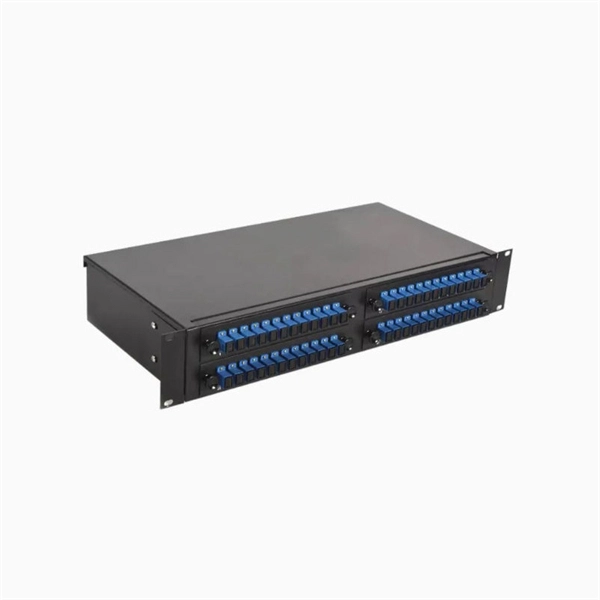
 How to Correctly Wire a Network Rack? – VCELINK
A network rack, also called a server rack, is a structure or framework designed to contain the network equipment (for
 Information
 The Best Network Server Racks and Enclosures
Check out the best network server racks and enclosures for your home or business from reputable companies like
 Information
 How To Wire a Server and Network Rack | Tips & Best
Network racks are designed to house switches, routers, patch panels, and other structured
 Information
 10 Quick Fixes For Cannot Connect To Server Error
This troubleshooting guide shows how to fix the Cannot Connect to Server Error fast, using
 Information
 Fixing an RDP error: This computer can''t connect to the
Struggling with "This computer can''t connect to the remote computer" error? Discover fixes for RDP issues, including
 Information
 wiring server racks and network rack
Hi, We have a small server room with 3 racks.The first rack contains the network equipment-switches,routers,etc and
 Information
 I can''t connect to my Synology NAS on the local network. What can I do?
You are experiencing connection problems when accessing your Synology NAS via your local network, such as
 Information
 8 Easy-to-Do Ways to Troubleshoot Network Connection
Internet not working? Try these 8 easy troubleshooting steps to fix your network connection
 Information
 Troubleshoot Remote desktop disconnected errors
Remote Desktop Server A Remote Desktop Session Host server is the server that hosts Windows-based programs or
 Information
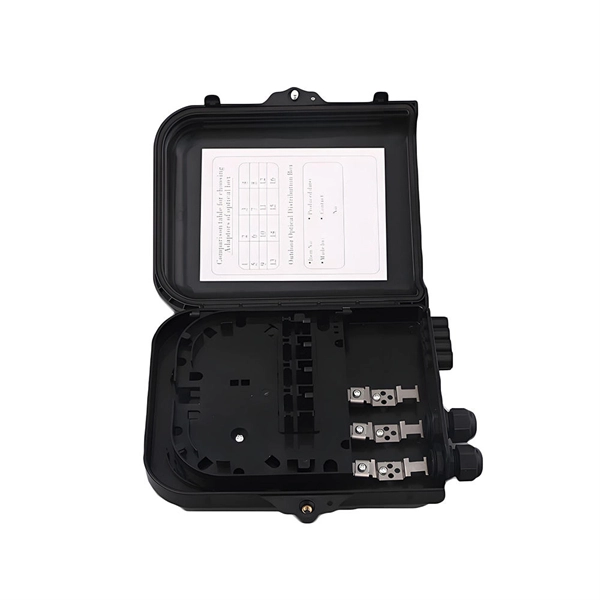
 Rack Not Connecting to the Network
Introduction If a LightSort rack cannot connect to the network when pulling from the LSConfig file, the message
 Information
 10 Quick Fixes For Cannot Connect To Server Error
Fix the cannot connect to server error fast with this 2025 guide. Restart, test your network,
 Information
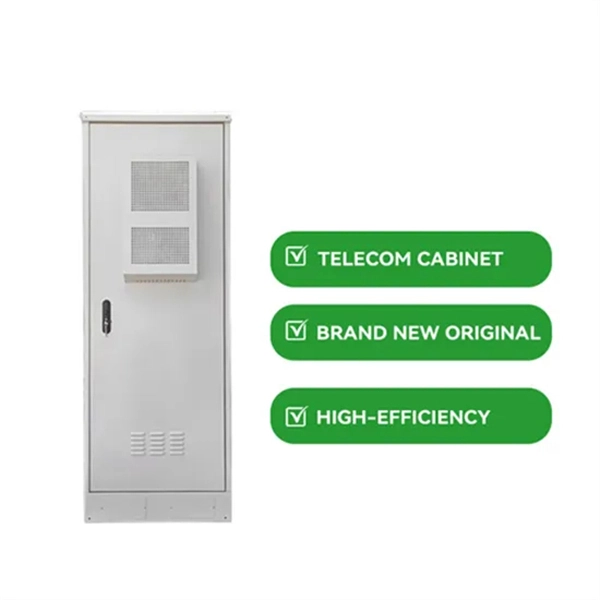
 How to Plan A Server Rack Installation
Server racks are designed for one purpose and that is to provide an easy and secure way to house IT servers and
 Information
 Windows Server Network Issues & Troubleshooting Guide
Learn how to diagnose and resolve Windows Server network problems efficiently. Step-by-step guide, tools, and techniques to
 Information
 Troubleshoot Windows Server networking issues
Remember that any of these troubleshooting methods can fail if your network infrastructure does not respond. By using these
 Information
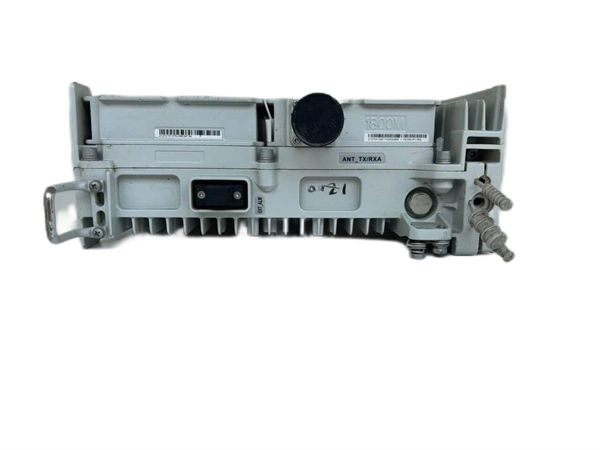
 Network Rack Problems and Solutions | SysRacks Blog
A great variety of server issues and solutions are used to guarantee datum security and proper running of all devices. The main thing
 Information
 5 Network Rack Challenges and How To Solve Them
5 Network Rack Challenges and How To Solve Them Efficient network rack operation is critical for data
 Information
 How to Fix Your Internet Connection: 19 Things to Try
If you cannot connect to the internet while connected directly to your modem, there is
 Information
 How to Diagnose Server Connectivity Issues
Learn how to diagnose and resolve server connectivity issues efficiently with essential tools and troubleshooting steps.
 Information
 Your Server Is Unable to Connect to the Network Unexpectedly?
Server lost network connection? Don''t panic! This guide provides a systematic approach to troubleshoot server
 Information
 Common Windows Server Network Problems
Learn how to use built-in Windows Server tools like ipconfig, ping, tracert, and Event Viewer to troubleshoot and fix
 Information
 Tips and Guide for Server Rack Cable Management
Proper server cable management tips is the absence of tangles in the wires and a pleasant appearance of
 Information
 Fix VPN Connection Issues Between OpenVPN Connect and Access Server
Diagnose and fix VPN connection issues in Access Server. Covers TLS, authentication, routing, and DNS errors for OpenVPN Connect.